[et_pb_section admin_label=”section”][et_pb_row admin_label=”row”][et_pb_column type=”4_4″][et_pb_text admin_label=”Text” background_layout=”light” text_orientation=”left” use_border_color=”off” border_color=”#ffffff” border_style=”solid”]
Catering and Event Planning Central Office Edition is a software program designed to handle all accounting functions and the dispatch and billing of events in the catering and event planning industry.
[tabs slidertype=”left tabs” ] [tabcontainer] [tabtext]Catering Central[/tabtext] [tabtext]Catering Downloads[/tabtext] [tabtext]Catering Pricing[/tabtext] [/tabcontainer] [tabcontent] [tab]
Catering and Event Planning – Central Office Edition
Catering and Event Planning Central Office Edition is a software program designed to handle all accounting functions and the dispatch and billing of events in the catering and event planning industry. The Catering Central Office program is an integrated collection of programs that include a general ledger, accounts receivable, accounts payable, payroll, event calendar and invoicing. All modules work together to create a seamless environment needed that covers all functions of the catering business.
Download Catering Central Free Trial Version
[button link=”/catering/install_catering_central.exe” type=”icon”] Download[/button]
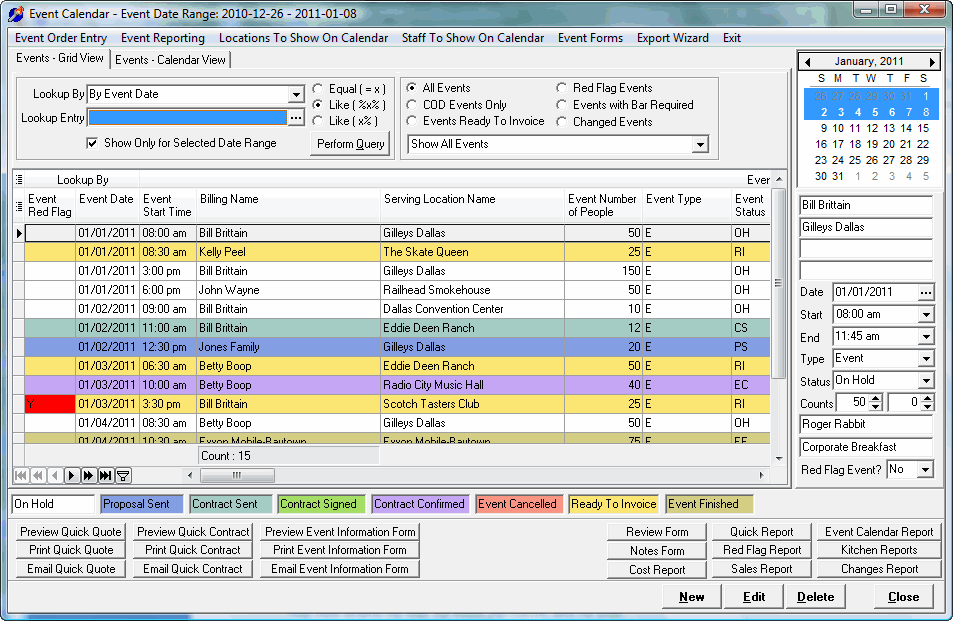
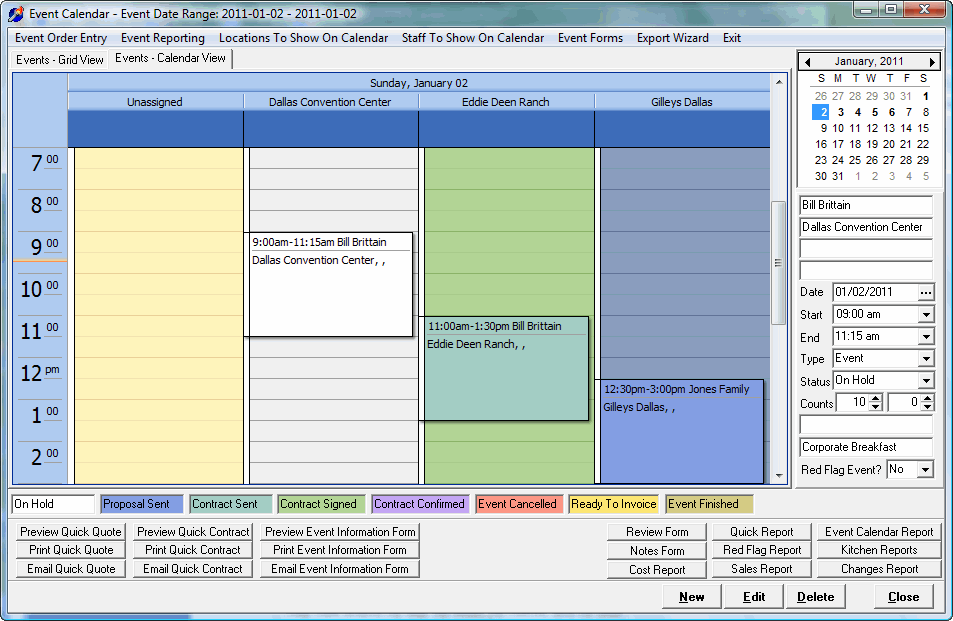
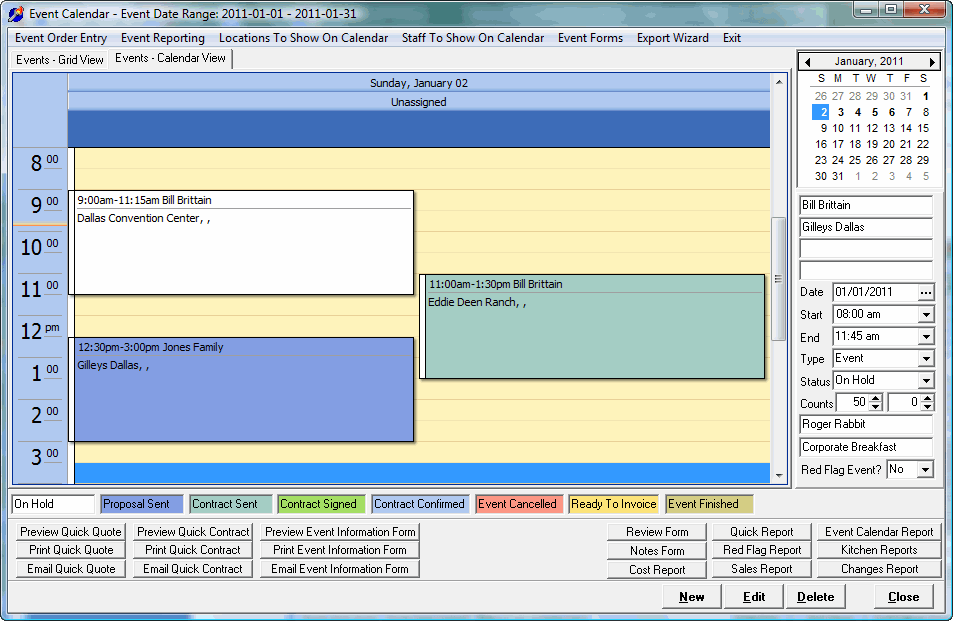
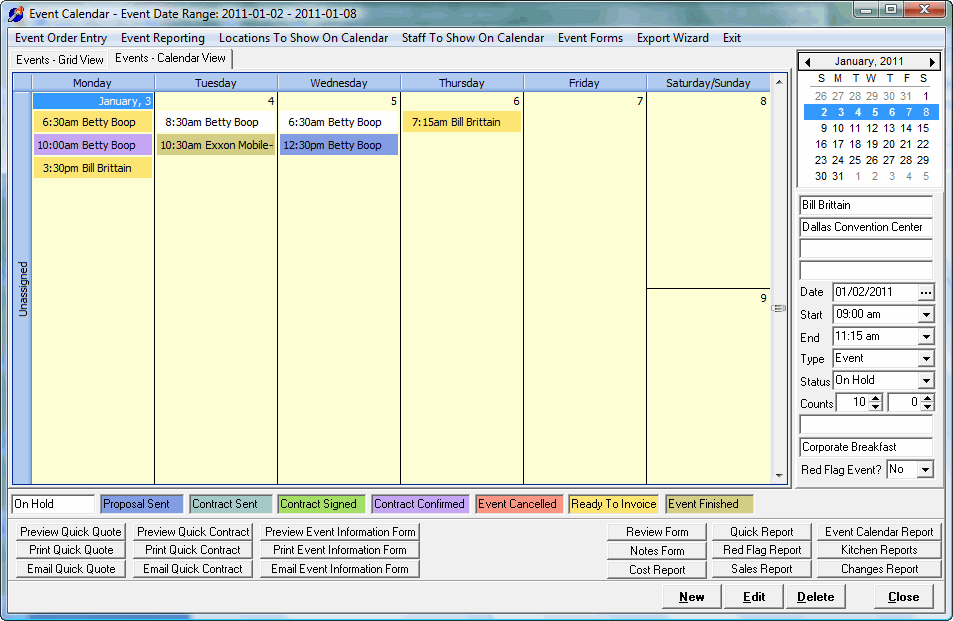
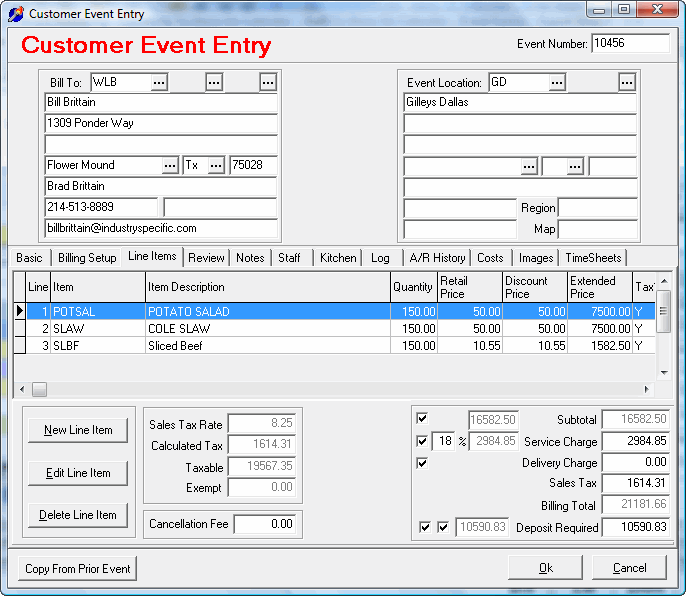
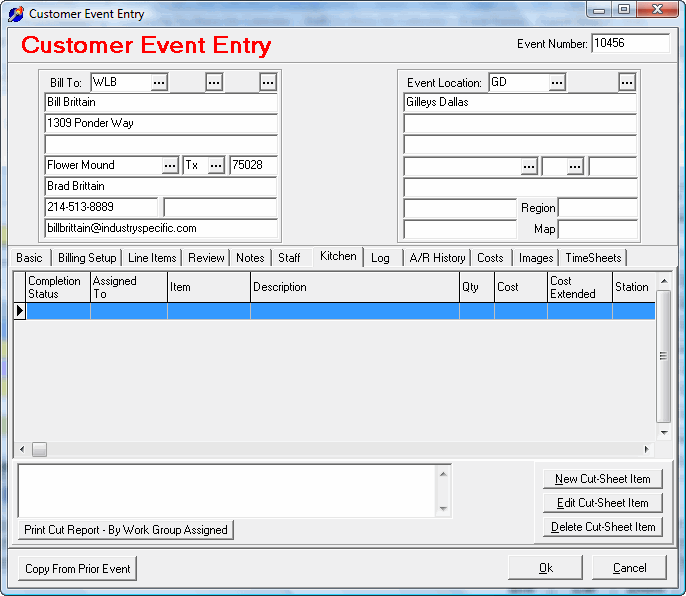
The event calendar entry and dispatch area is used to enter all event appointments. Here you can enter basic event information, prepare the event quote, email or print an event quote, email or print the event contract, create the kitchen cut-sheet, and ultimately bill the client.
The event entry mechanism allows quick entry to prepare the event price quote and then create the customer billing invoice.
When the event is completed, customer invoices can be produced. Invoicing can occur prior, during, and after the event. Receipts can be designated as deposits to help in accounting for deposit activity. Printed invoices will show total amount billed to date for all invoices of the event plus receipts to date with an amount remaining due.
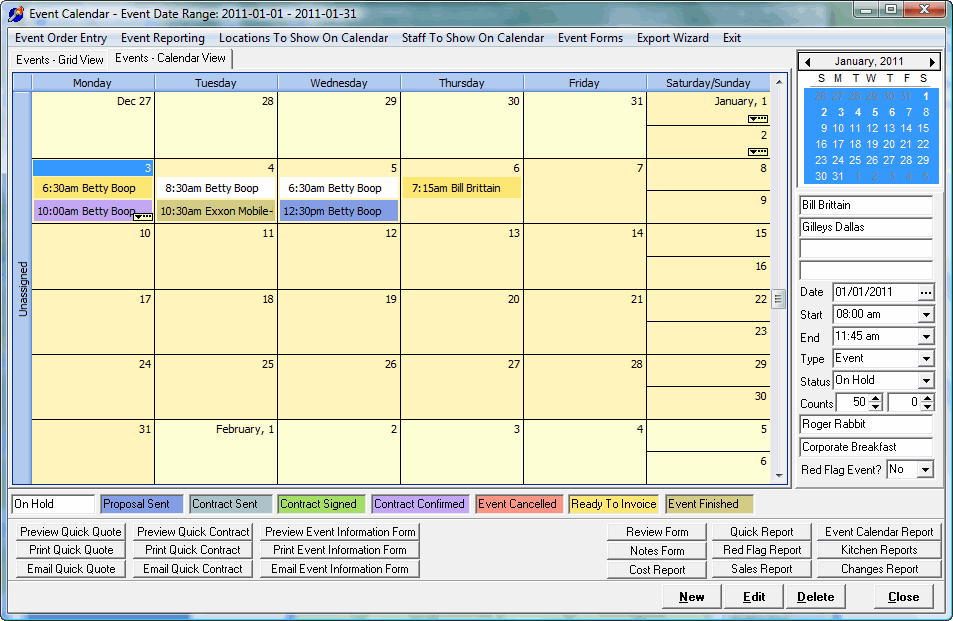
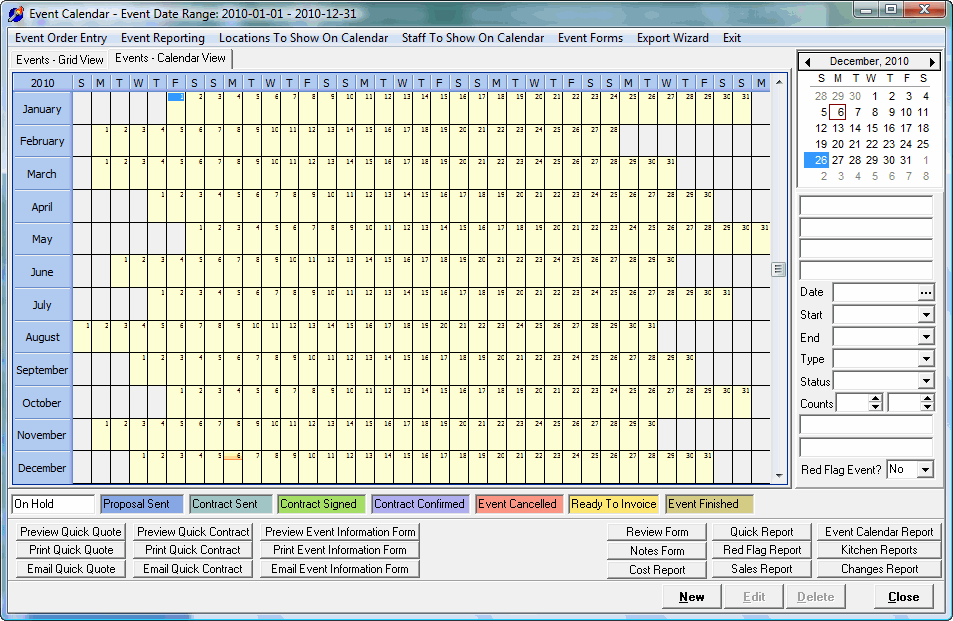
Catering Event Calendar
The main work area of the program is the catering event calendar area.
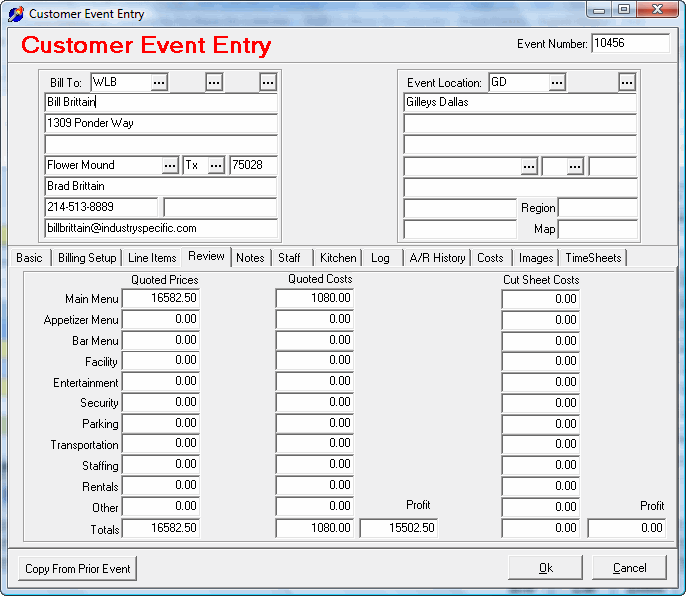
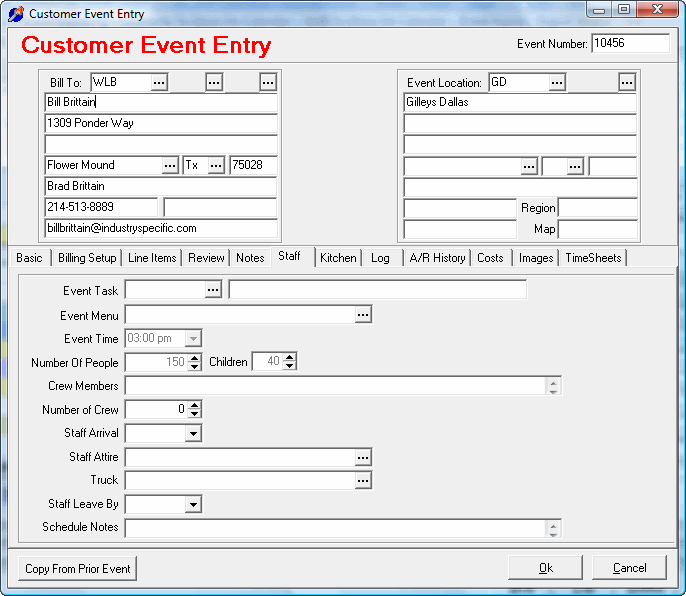
Customer Event Entry
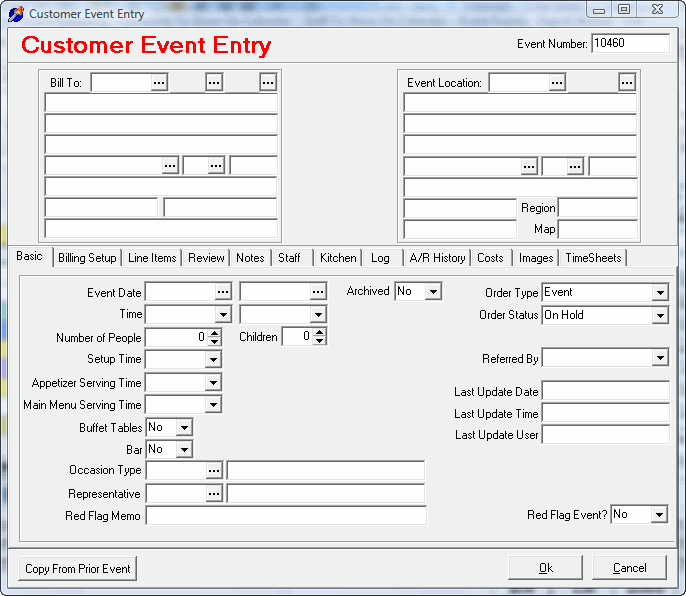
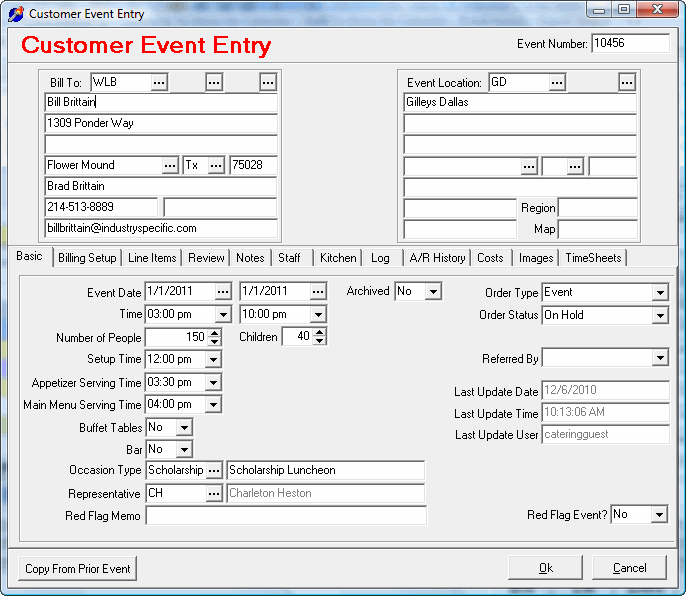
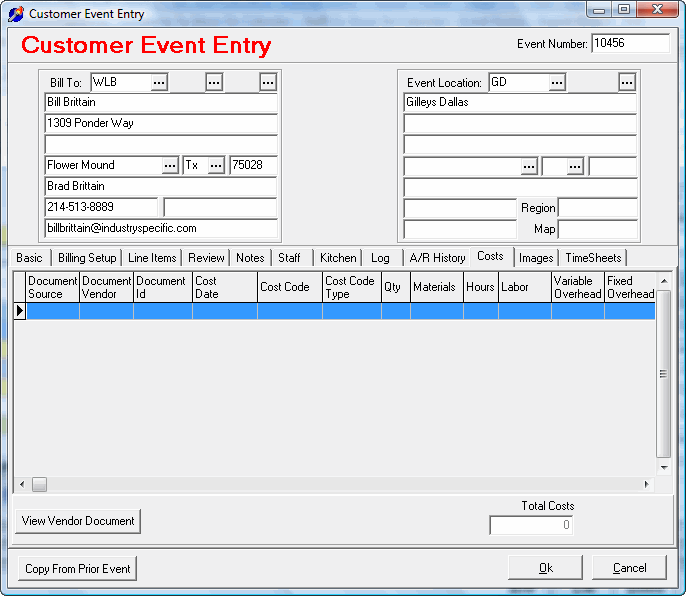
Event Entry is used to enter event calendar, price quotes, billing information and later to invoice the event. Time sheet entries and document imaging of the event documents are recorded in the work order.
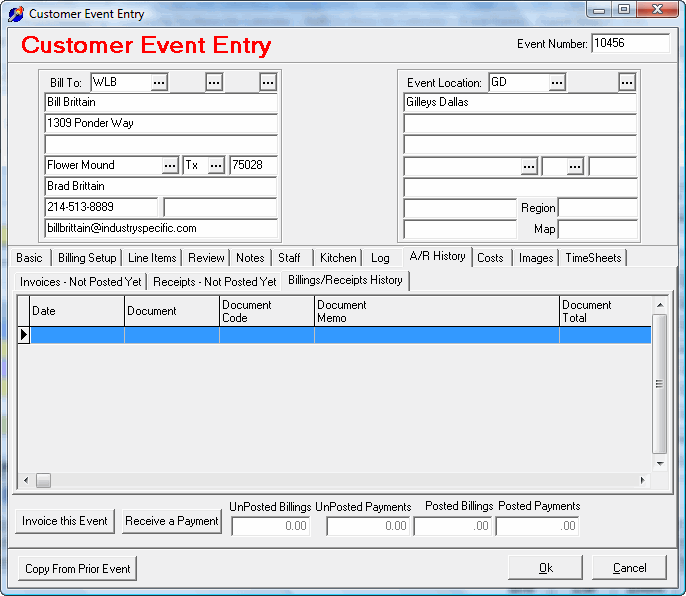
The accounts receivable area is used to enter customers, cash receipts, and miscellaneous transactions. Invoices from the invoice entry area update the open item receivable files. Cash receipts are applied to these unpaid invoices. Summary and detailed aging reports can be run by customer number or alphabetical by customer name. On screen inquiry allows a quick review of a customer account transaction history. Customer statements can be printed in customer number or name order.
The accounts payable area is used to enter vendors, vendor invoices and checks. Vendor invoices can be entered with detailed line item general ledger distribution. Checks may be generated with computer checks or manual checks. Computer checks are dot matrix pin fed or laser printed in either a pre-printed or all-purpose check. Check entry can derive from open invoices in the payables open file or from direct entries that are non-AP. Aging and cash requirements reports are available in both summary and detailed form sorted by either vendor number or vendor name. History is maintained for both invoice and check entry.
The payroll area is used to enter employees, their associated deductions, and payroll checks. You may generate computer printed checks and/or enter manual checks from your checkbook. Use the manual check entry to pre-calculate your payroll checks if you continue to keep your payroll on your checkbook. Computer checks can be printed in a pre-print format or all-purpose format ( use the same check for accounts payable ) in both dot matrix pin feed or laser printed checks. Full history of all checks is maintained to make easy work of quarterly reporting and end of year work. Laser or Pin-fed W-2’s can be printed. One very useful feature at the end of the year is the ability to start a new payroll year without clearing the past year’s entries. This is very helpful when all reconciling entries have not been made in the first few weeks of January and you need to generate the first payroll of the new year. Last year’s W-2 reporting can be printed even after a new year has begun. Withholding is calculated for federal and all states. If your company has city withholding required, you can enter the needed tax rates in the city tax tables.
The general ledger area is used to enter accounts and transactions. Multiple balance sheet and income statement layouts are allowed. Layout control allows complete flexibility in output. Trial balance reports can be printed in both summary and detailed, with or without monthly subtotals, and with all accounts or starting and stopping at designated accounts, and within a stated day range. The general ledger allows continuation into a new year without closing the prior year. Monthly detail is not released until the end of the year closing. It is possible to continue posting of entries with several years entries still available for trial balance, balance sheet, and income statement printing. This is very useful to the companies who have to make adjusting entries at the end of the year, but need to start the new year.
All in all, this is one of the most complete and easy to use systems for the catering and event planning industry that can be found. Over the next few years, enhancements will be made to constantly improve the system and help us better serve your company. Your suggestions are always welcome, so keep us informed of your company’s needs.
[/tab]
[tab]
Catering Office Program Downloads
You may download a fully operational copy of the Catering Central Office program to determine if the programs fit your company’s needs.
There is no time limit placed on the executables. The only limitation is that you will only be connecting with our datacenter in Dallas, Texas to the Catering Sample company to access and store your data.
A word of caution. With your testing, you will be viewing and entering data that will also be viewed by other companies wishing to perform a trial test. So please do not enter sensitive data that you do not wish other companies to see.
/tbody>
/tbody>
Catering Central Office Downloads |
Version |
||
|---|---|---|---|
Catering Central Office – Install |
2014.5.30.1 |
[button link=”/catering/install_catering_central.exe” type=”icon”] Download[/button] | |
Catering Central Office – Update |
2014.5.30.1 |
[button link=”/catering/update_catering_central.exe” type=”icon”] Download[/button] | |
Catering Central Office Setup Manual |
[button link=”/catering/help/catering_central_manual.pdf” type=”icon” icon=”paper”] Download[/button] | ||
TeamViewer Remote Control – Install |
Version 7 |
[button link=”/teamviewer/teamviewer_host_setup.exe” type=”icon”] Download[/button] | |
Is2Qb Server – Exe |
2014.9.5.1 |
[button link=”/is2qb/Is2QbStandaloneServer.exe” type=”icon”] Download[/button] | |
[/tab]
[tab]
Catering Pricing
There are two options for purchasing the hosted catering office software, monthly billing or annual billing. The annual billing will save you one month of billing ( $125.00 ). Monthly billing is charged to your credit card automatically each month. Annual prepay is paid one time per year either by invoice or your online payment.
The hosted version is sold on a monthly basis with auto payment via your credit card occurring based on the day that you signed up. There is no long term contract to sign.
You may end service at any time. To end your monthly service, simply log into your user account on this website and disable your monthly subscription. Your service will continue to the end of your paid billing cycle. At the end of your service, you may request the database of your data.
Cost of monthly service is $125.00 per month. Additional charges per month may be required for more than 10 users accessing at the same time.
If you are not redirected to the shopping cart after selecting your purchase product below, click on the Go To Shopping Cart button below:
[button link=”https://www.is2software.com/view_cart” type=”small” color=”green” newwindow=”no”] Go To Shopping Cart[/button]
| Catering Office Pricing | For Texas Customers Only | ( Includes Texas Sales Tax ) |
|---|---|---|
| Monthly Subscription | $135.31 per month | [cc_product sku="catering-hosted-monthly-texas" display="inline" quantity="false" price="false"] |
| Annual Subscription | $1488.41 per year | [cc_product sku="catering-hosted-annual-texas" display="inline" quantity="false" price="false"] |
| Make A Payment | Multiples of $135.31 based on quantity chosen | [cc_product sku="catering-payment-texas" display="inline" quantity="false" price="false"] |
| Catering Office Pricing | ( Sales Tax Calculated At Checkout ) | |
|---|---|---|
| Monthly Subscription | $125.00 per month | $125.00Add to cart |
| Annual Subscription | $1375.00 per year | $1,375.00Add to cart |
| Make A Payment | Multiples of $125.00 based on quantity chosen | $125.00Add to cart |
If you are not redirected to the shopping cart after selecting your purchase product above, click on the Go To Shopping Cart button below:
[button link=”https://www.is2software.com/view_cart” type=”small” color=”green” newwindow=”no”] Go To Shopping Cart[/button]
[/tab]
[tab] [/tab]
[/tabcontent]
[/tabs]
[/et_pb_text][/et_pb_column][/et_pb_row][/et_pb_section]